01 / Record in one tap
Catch the song before it fades.
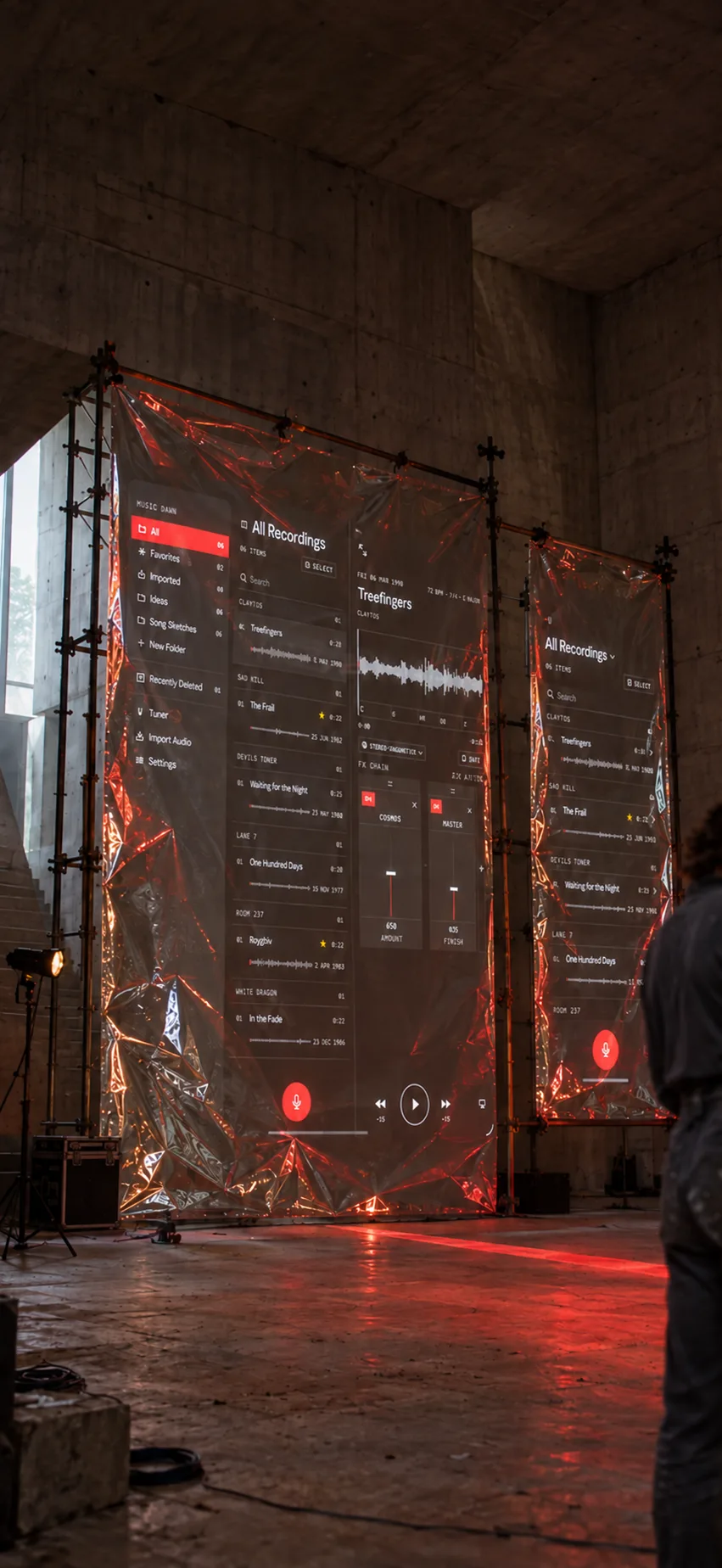
Music Dawn is where your musical ideas live. Record one the moment it arrives, find it again in seconds, and come back when you're ready to work on it.
Start a take from iPhone, Apple Watch, the Lock Screen, Control Center, Siri, or Shortcuts.
Coming soon to the App Store

02 / Find any idea again
Every idea, ready to find.
Working on an album? Give it a folder and drop every idea for it there. Search by title, mark favorites, or browse by where you recorded them.
Every new take gets a title, so even an idea you never named is easy to spot.

03 / Shape the sound
Shape the sound while it is alive.
Play against a detailed waveform and trim without touching the original.
Every take plays through the Cosmos and Master effects for free. Share the original, or the take as you hear it.

More in the app
Everything you need while you play.
04Pro
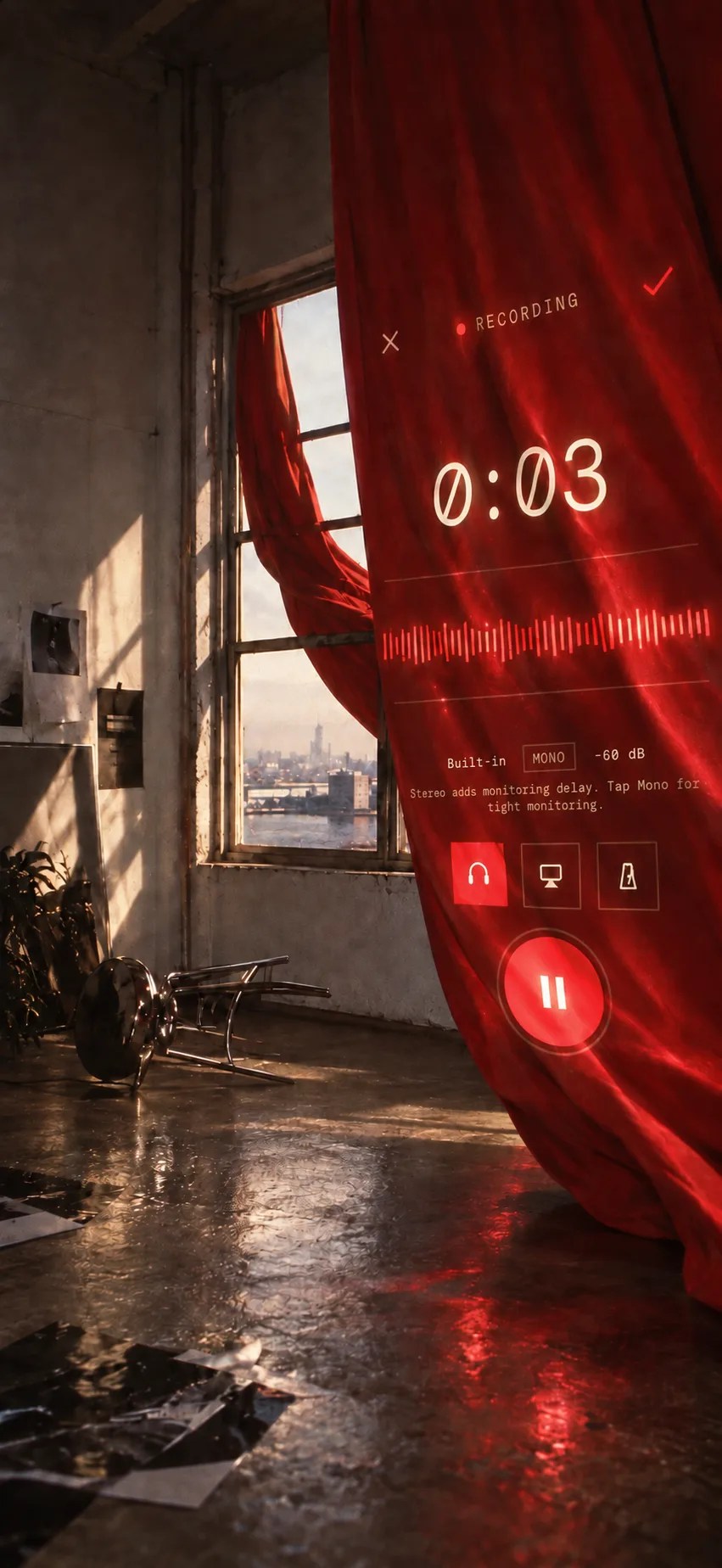
Hear yourself while you play.
Monitor through headphones as you record. The saved take stays dry.
05
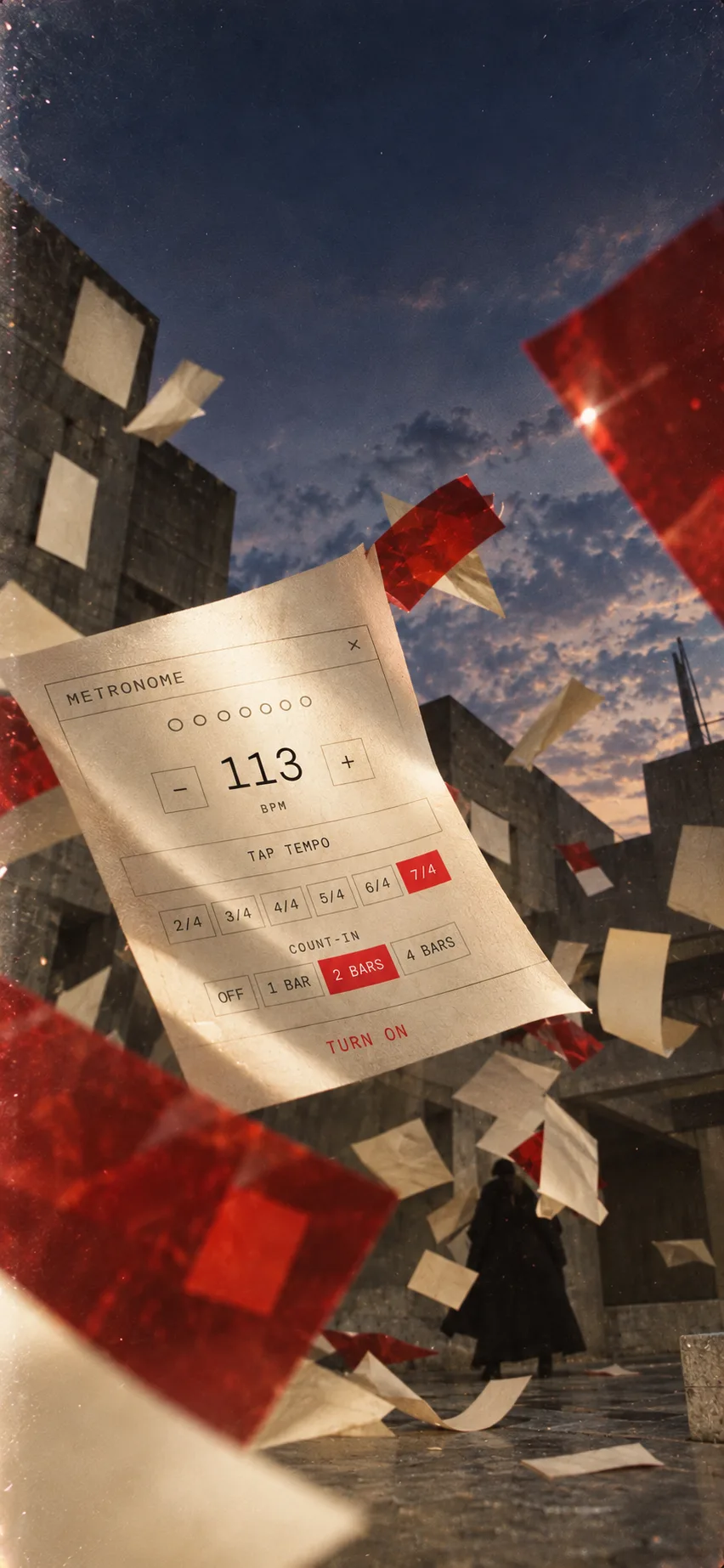
Set the pulse. Choose the meter.
A click from 40 to 240 BPM, in 2/4 up to 7/4, with Tap Tempo. The take never includes it.
06
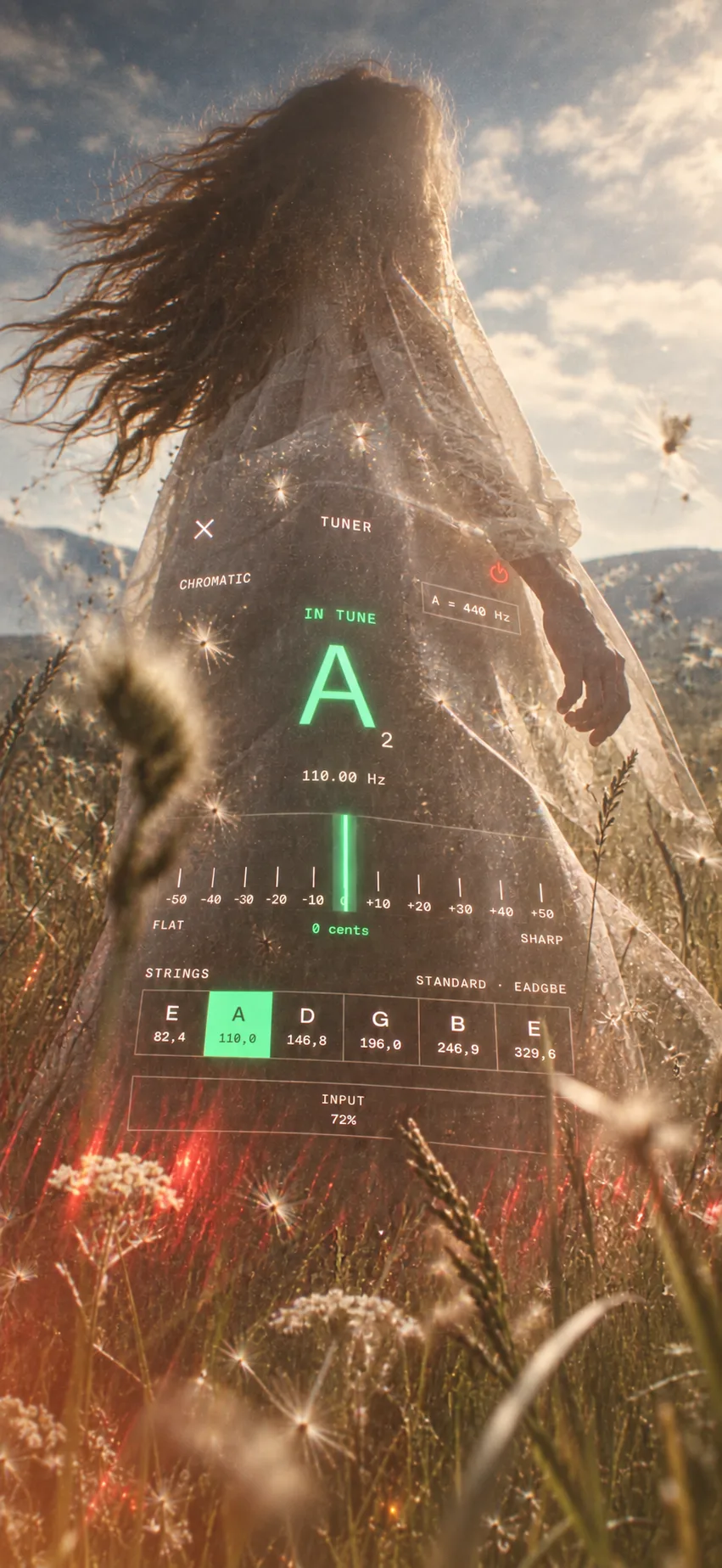
Tune without leaving the song.
Note, frequency, and cents, with guitar strings as targets. Set A4 to 432, 440, or 442 Hz.
07
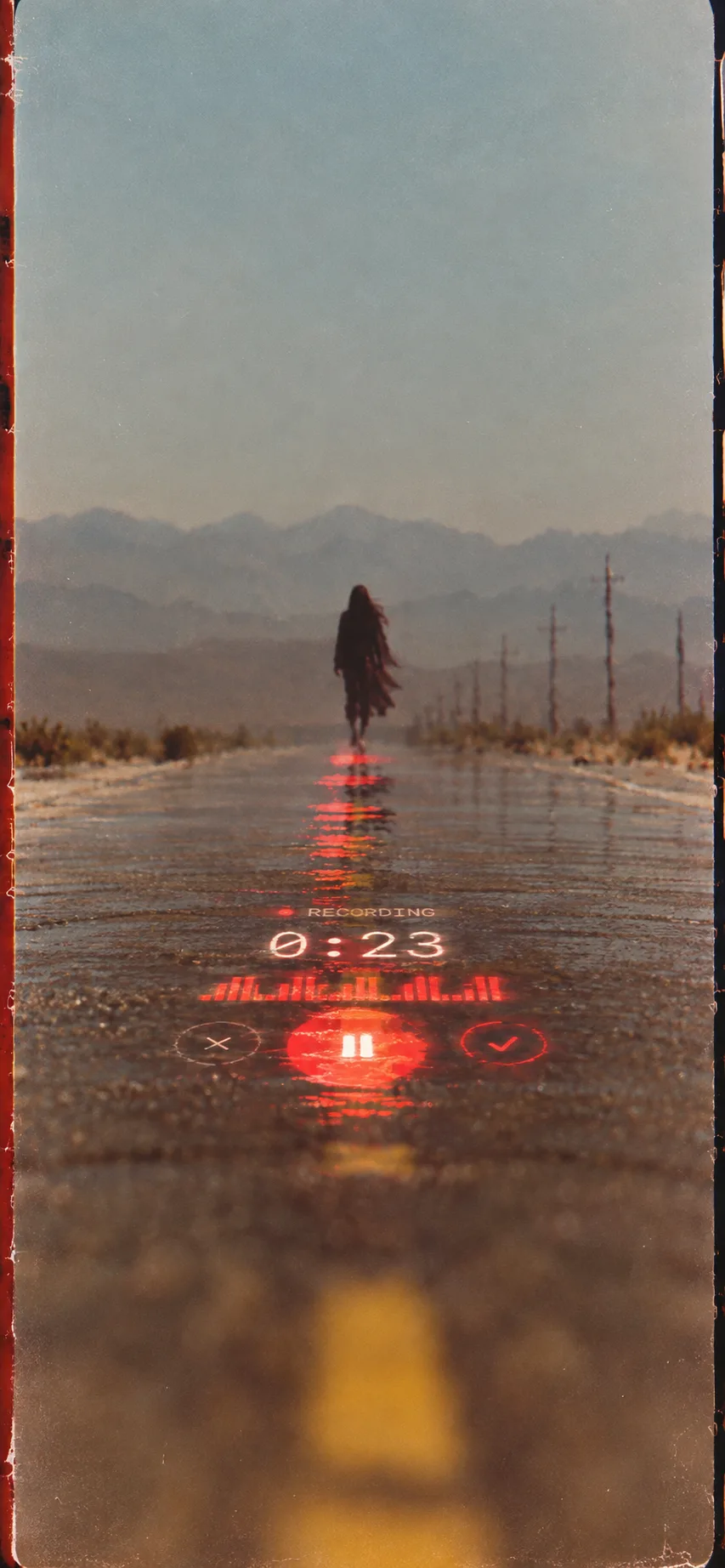
Record on Apple Watch.
Start a take on your wrist without putting the instrument down.
08
From iPhone to iPad, without missing a beat.
Your own iCloud keeps the library the same on every device.
Free and Pro
A complete recorder for free. Pro adds live monitoring and every effect.
Music Dawn
Free
- Recording on iPhone, iPad, and Apple Watch
- The library, folders, search, and iCloud sync
- Tuner and metronome
- Playback, trimming, and the Cosmos and Master effects
- Sharing the original or the take as you hear it
Music Dawn Pro
Monthly, yearly with a 7-day free trial, or a one-time purchase
- Hear yourself through headphones as you record
- EQ, compression, delay, chorus, reverb, distortion, and more
- Build, reorder, and save your own effect chains
- A default sound for every new take
- Chord, key, and tempo detection (Beta)
Yours
Your music stays yours.
- No account
- Open the app and record. There is nothing to sign up for.
- No ads
- Nothing is tracked. No ads and no third-party analytics.
- On your device
- Recording, playback, effects, and tuning happen on your iPhone, iPad, or Apple Watch.
- Your iCloud
- Sync runs through your own private iCloud. Location tagging is optional.
Questions
Before you install.
- I miss Music Memos. Is this for me?
- Yes. Music Dawn is made for that same moment: a riff or a melody you want to keep before it slips away. Record it in one tap, then come back to it with a tuner, a click, and your ideas sorted into folders.
- What does it add to Voice Memos?
- A click to play along to, a tuner on the same screen, recording from Apple Watch, folders and search made for takes, and effects that shape how a take sounds. And your Voice Memos can come along: bring in many at once and pick up where you left off.
- Is it free?
- Yes. Recording, the library, iCloud sync, the tuner, the metronome, playback, trimming, and the Cosmos and Master effects are free. Music Dawn Pro adds live monitoring, every other effect, your own effect chains and presets, and chord, key, and tempo detection (Beta). Pro is monthly, yearly with a 7-day free trial, or a one-time purchase.
- Which devices does it run on?
- iPhone and iPad with iOS 26 or iPadOS 26, and Apple Watch with watchOS 26. Your own iCloud keeps the library the same on iPhone and iPad.
- Can I record on Apple Watch?
- Yes. The Watch app records on its own and sends the take to your iPhone library.
- Does the click end up in my recording?
- No. The metronome plays in your headphones and the saved take never includes it. Set it from 40 to 240 BPM, in 2/4 up to 7/4, or tap the tempo.
- Where do my recordings go?
- They stay on your device and sync through your own private iCloud. There is no account, no ads, and no third-party analytics, and Beyond Beyond never receives your recordings.
Music Dawn
Record ideas. Find them again.
Every great song started as an idea someone almost forgot. Save yours, for the sake of humanity.
Coming soon to the App Store